Your agents.
Your stack.
One window.
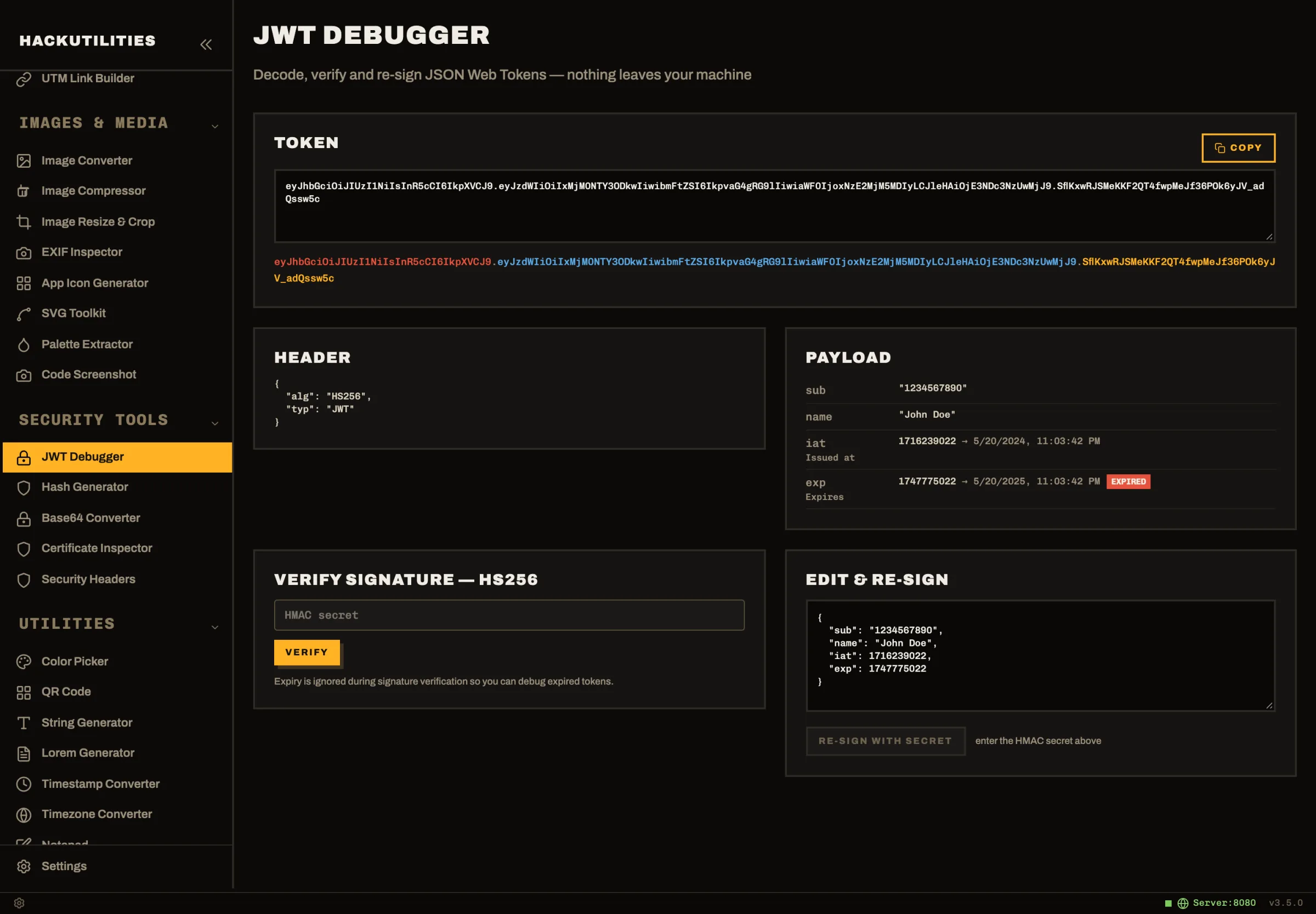
Run Claude Code and Codex next to your dev servers and terminals, and get a ping the moment an agent needs you. With 46 offline developer tools one keystroke away, HackUtilities is the workspace you don't have to leave.
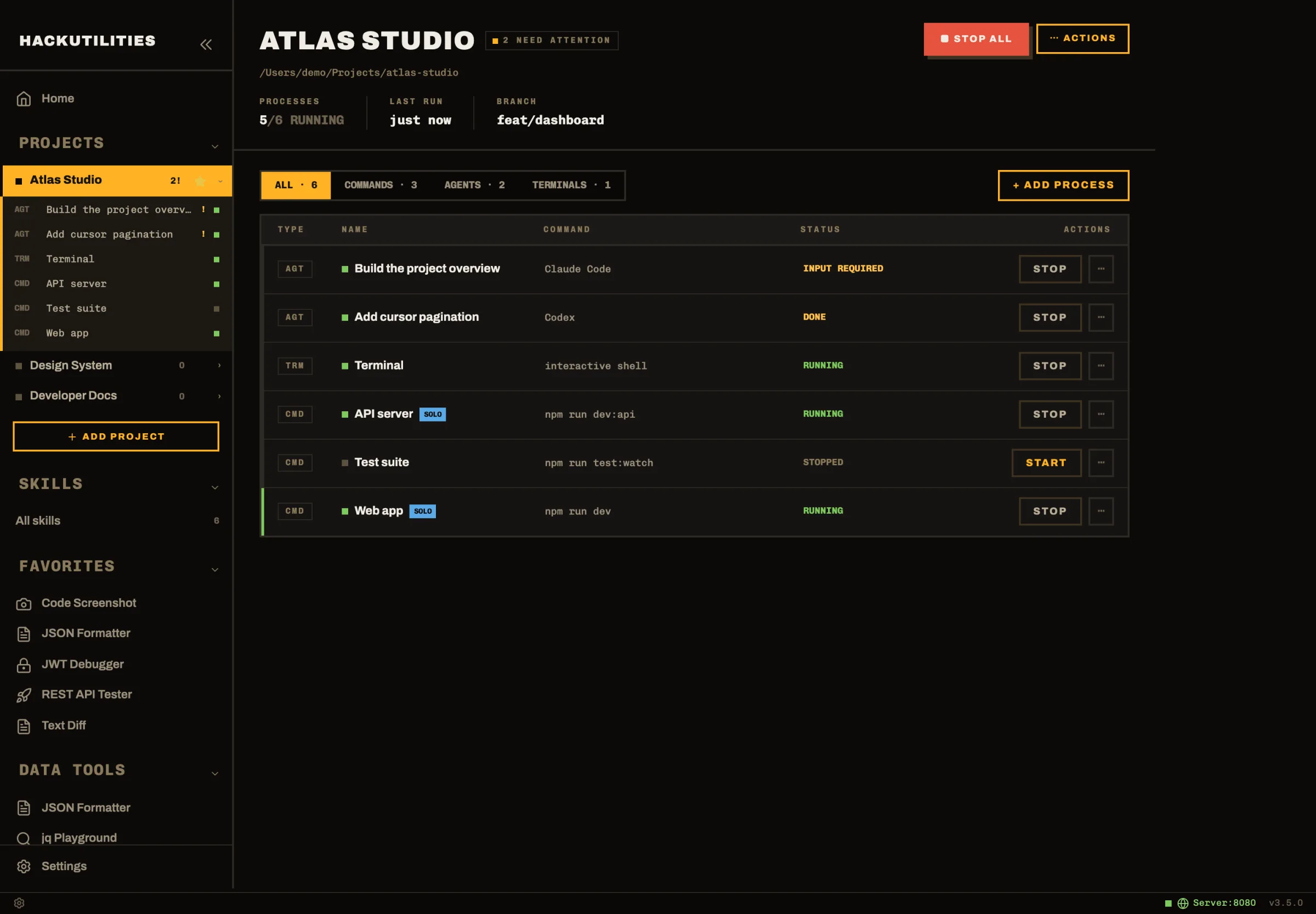
Start the whole project. Not twelve tabs.
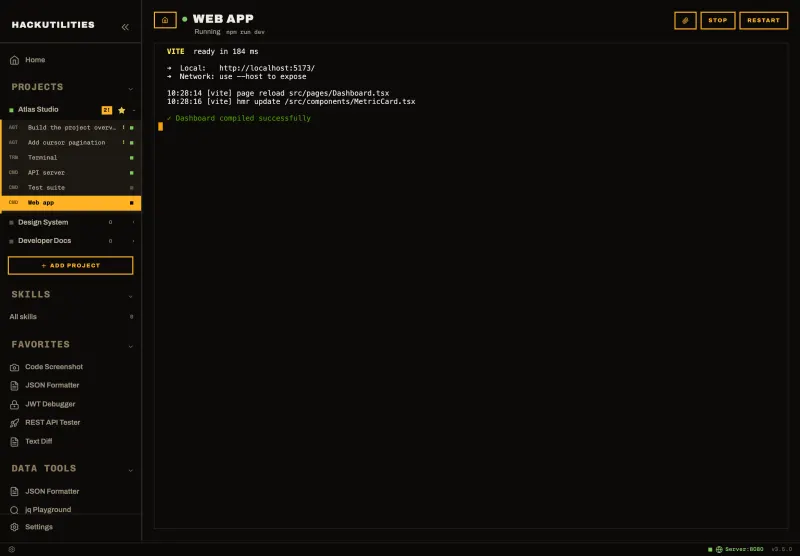
A project is everything it takes to run your app: the web server, the queue worker, the asset watcher, your terminals and your agents. Add a repo, press Start, and it all comes up in your login shell, the way it would in your own terminal.
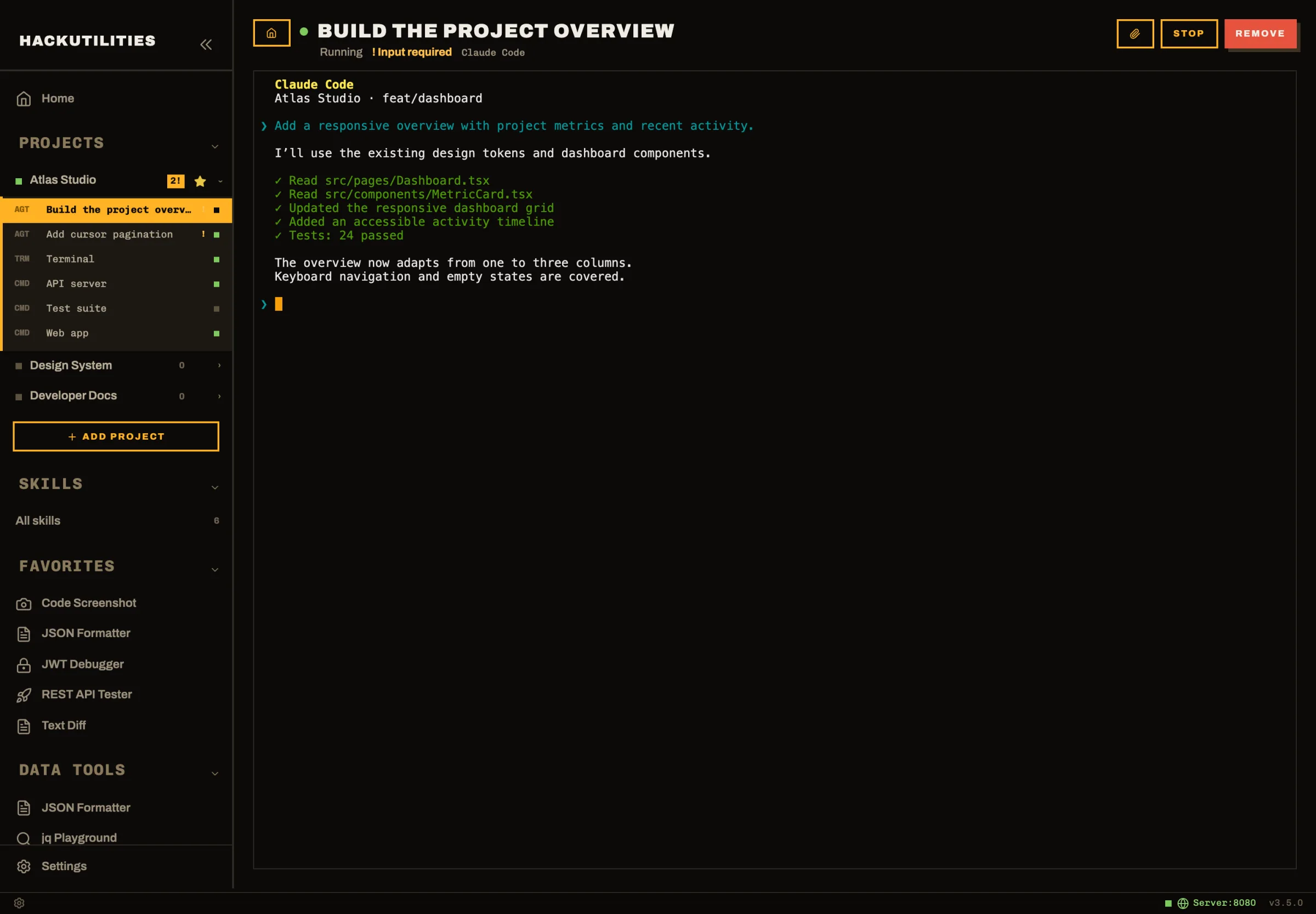
Run agents in parallel. Step in only when one needs you.
Give Claude Code one task and Codex another, each in its own session inside the project. HackUtilities reads Claude's own session state to tell working from waiting, so you hear about a permission prompt the second it appears, not ten minutes later.
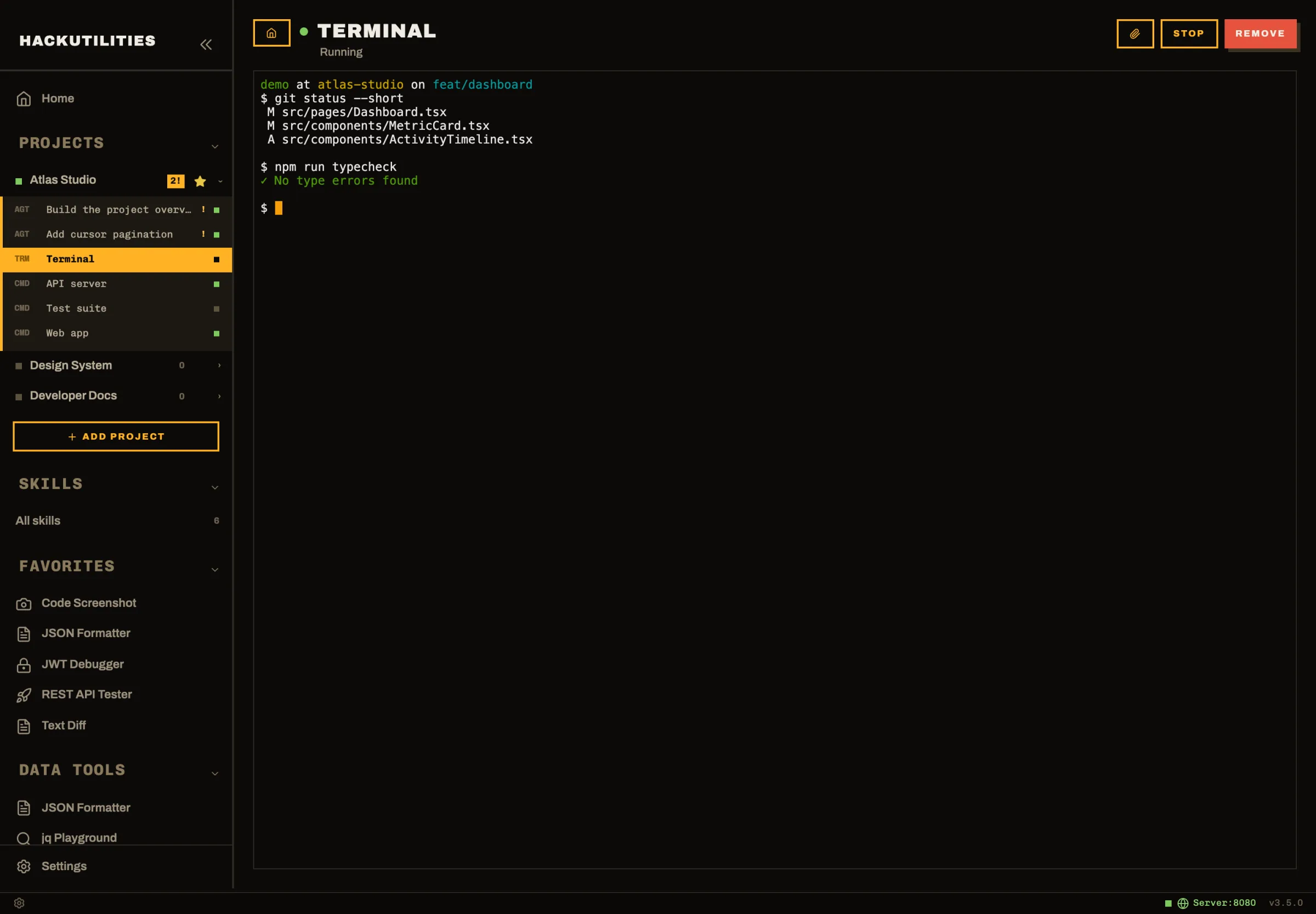
Real terminals, attached to the project they belong to.
Every session is a real PTY running your own shell with your own PATH, so asdf, nvm and mise just work. Switch between sessions and the scrollback is still there.
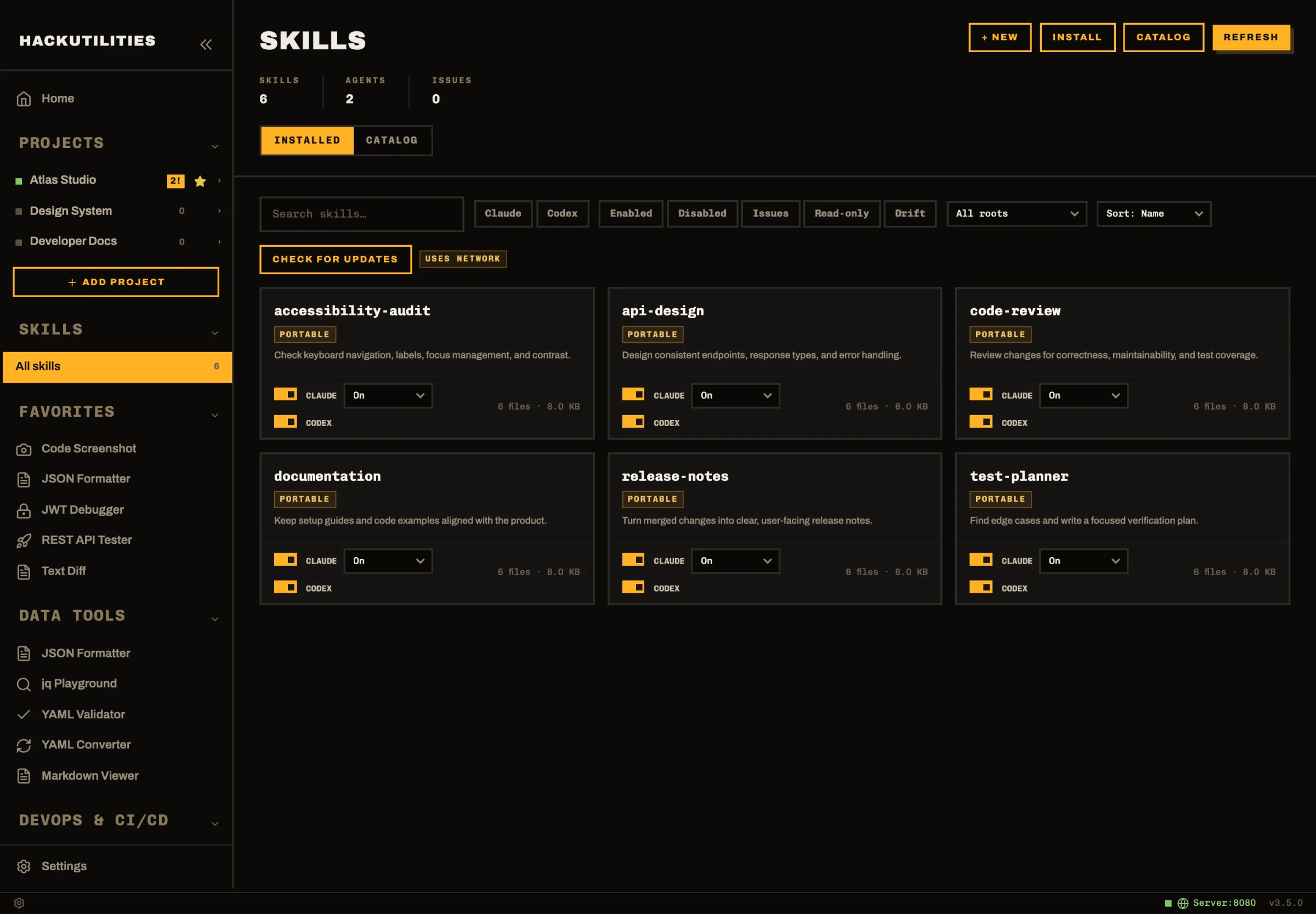
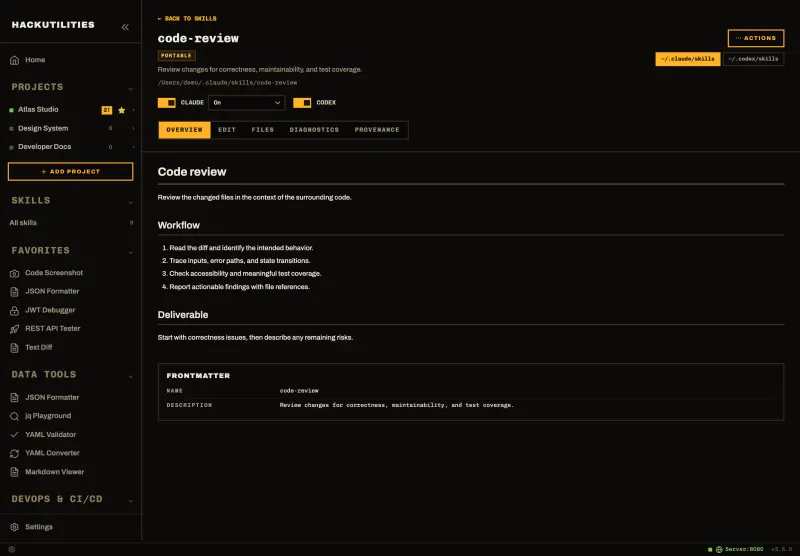
Every skill on your machine, in one grid.
Skills for Claude Code and Codex live in a handful of hidden folders and two different config
formats. The skills manager puts them side by side, lints them, and lets you switch each one on or
off per agent without hand-editing settings.json or
config.toml.
46 tools for everything between commits
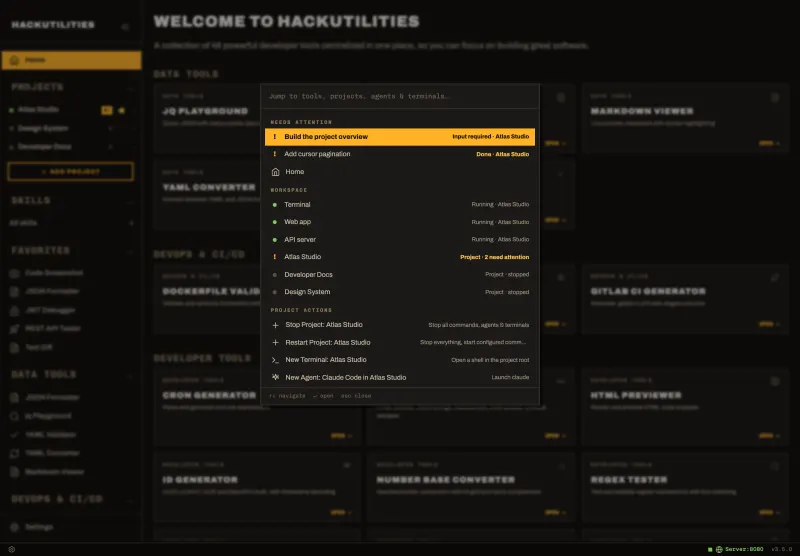
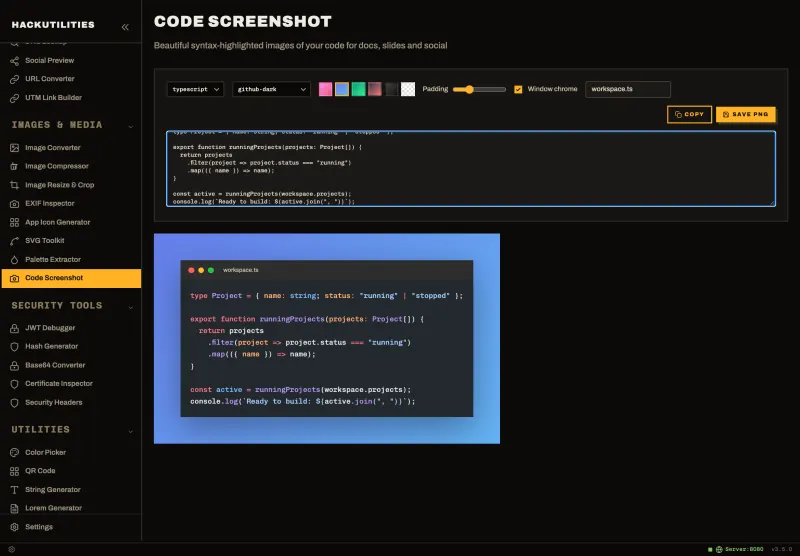
The JWT in the logs, the webhook payload, the cron line, the icon set for the release. Press ⌘K and it opens in the right tool. Copy something recognisable and HackUtilities offers to open it for you.
Everything except your editor, in one place
-
09:00Start the projectOne click brings up the web app, the API and the queue worker.
-
09:04Hand out the workClaude Code takes the dashboard. Codex takes the pagination bug.
-
10:12Answer a promptA notification says Claude wants to run a migration. Click, approve, back to your editor.
-
10:40Debug a tokenCopy a JWT from the terminal output and HackUtilities offers to open it in the JWT Debugger.
-
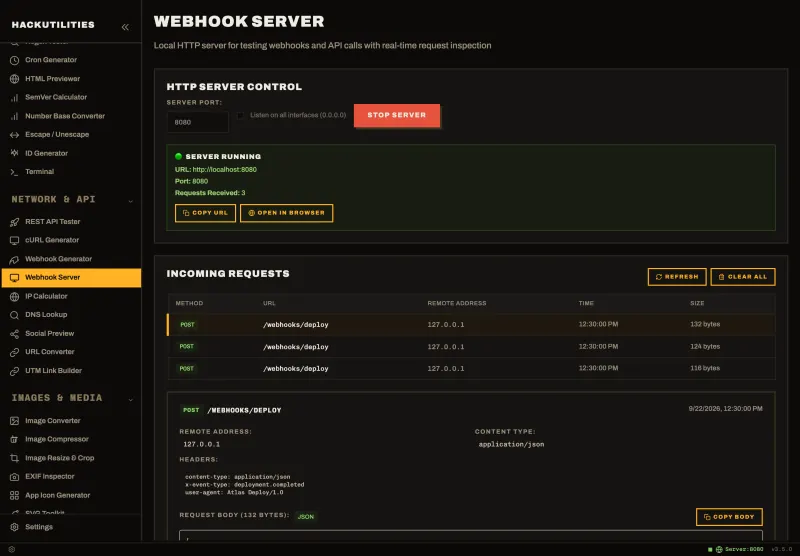
11:15Test a webhookFire a sample payload at your app, or catch its outgoing calls in the local webhook server.
-
11:30Ship itCodex is done. Copy its commit message without the gutter indentation, and push.
Your code, your keys, your machine
See every screen before you install
Browse all 78 screens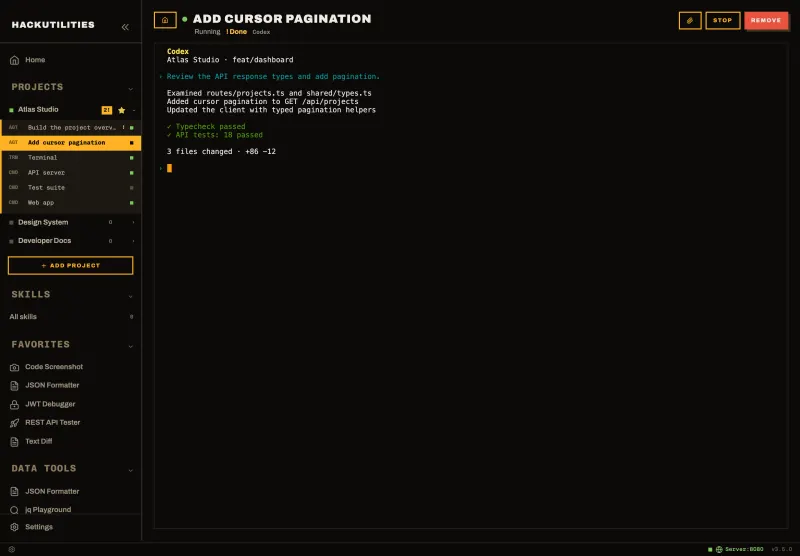
Does HackUtilities replace my terminal or IDE?
It replaces the pile of terminal tabs, not your editor. Keep writing code in VS Code, Cursor or whatever you like. HackUtilities runs the dev servers, agent sessions and shells around it, and each project can open straight into VS Code.
Which AI coding agents does it support?
Claude Code, Codex, Gemini CLI and OpenCode are built in, and any other command-line agent can be added as a custom tool. HackUtilities launches the CLI you already installed, with your own login and your own subscription.
Does HackUtilities see my prompts or my code?
No. Agents talk directly to their own providers, exactly as they do in any terminal. HackUtilities has no proxy, no account system and no telemetry. The 46 tools run on your machine and most never touch the network at all.
Can I bring my projects over from Solo?
Yes. If a project folder already has a solo.yml from Solo, HackUtilities imports its processes as commands, so you don't have to set them up again. Imported commands only run after you trust them on your machine, and any later change asks again.
Do I need a subscription?
Not for HackUtilities. It is a one-time purchase with lifetime updates. You bring your own agent subscriptions, such as Claude or ChatGPT, if you want to run agents.
Which platforms are supported?
macOS (universal, Apple Silicon and Intel) and Windows 10 and later.