HackUtilities Blog: What We’ll Publish and Why
A plain-English launch post that explains what HackUtilities does, what this blog will cover, who it’s for, and how to test the app on a real repo.
Martijn Smit 5 min read

Hi 👋 I’m starting the HackUtilities blog today, and I want to set the tone right away: this will be a practical blog about local development workflows, not a company-news feed padded with announcements.
Here’s a TL;DR of what I’ll publish here:
- product updates that explain what changed and why it matters in a real working day
- workflow posts for running local projects, terminals, and agent CLIs without the usual tab clutter
- tool deep dives for specific developer tasks
- honest notes about limitations, rough edges, and trade-offs
- lessons from building the app and the decisions behind it
I want each post to help with a real decision: whether HackUtilities fits your setup, whether a release is worth installing, or whether there’s a better way to handle a repeated local-dev problem.
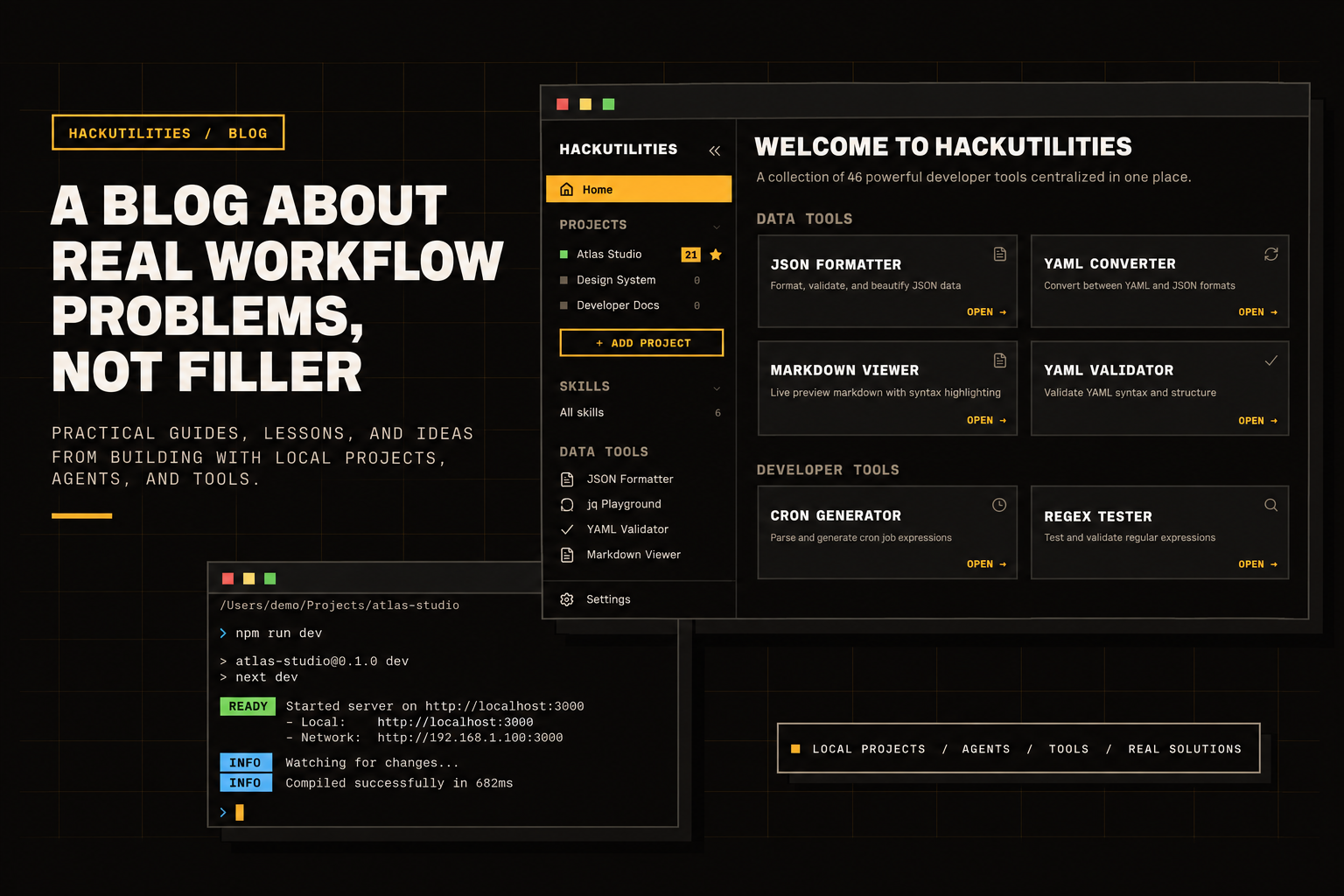
A blog about real workflow problems, not filler
I’m going to write these posts the way I want software updates explained to me: what changed, what problem it solves, what trade-off comes with it, and where it still falls short. If a feature only sounds good in a changelog but does not help with something concrete, like an agent sitting on a permission prompt or a local process dying quietly, I’ll say that plainly.
That also means fewer vague productivity claims and more real setups, failure cases, and decisions you can judge against your own workflow. If a post cannot help you decide something or fix something, it probably does not belong here.
HackUtilities in plain English
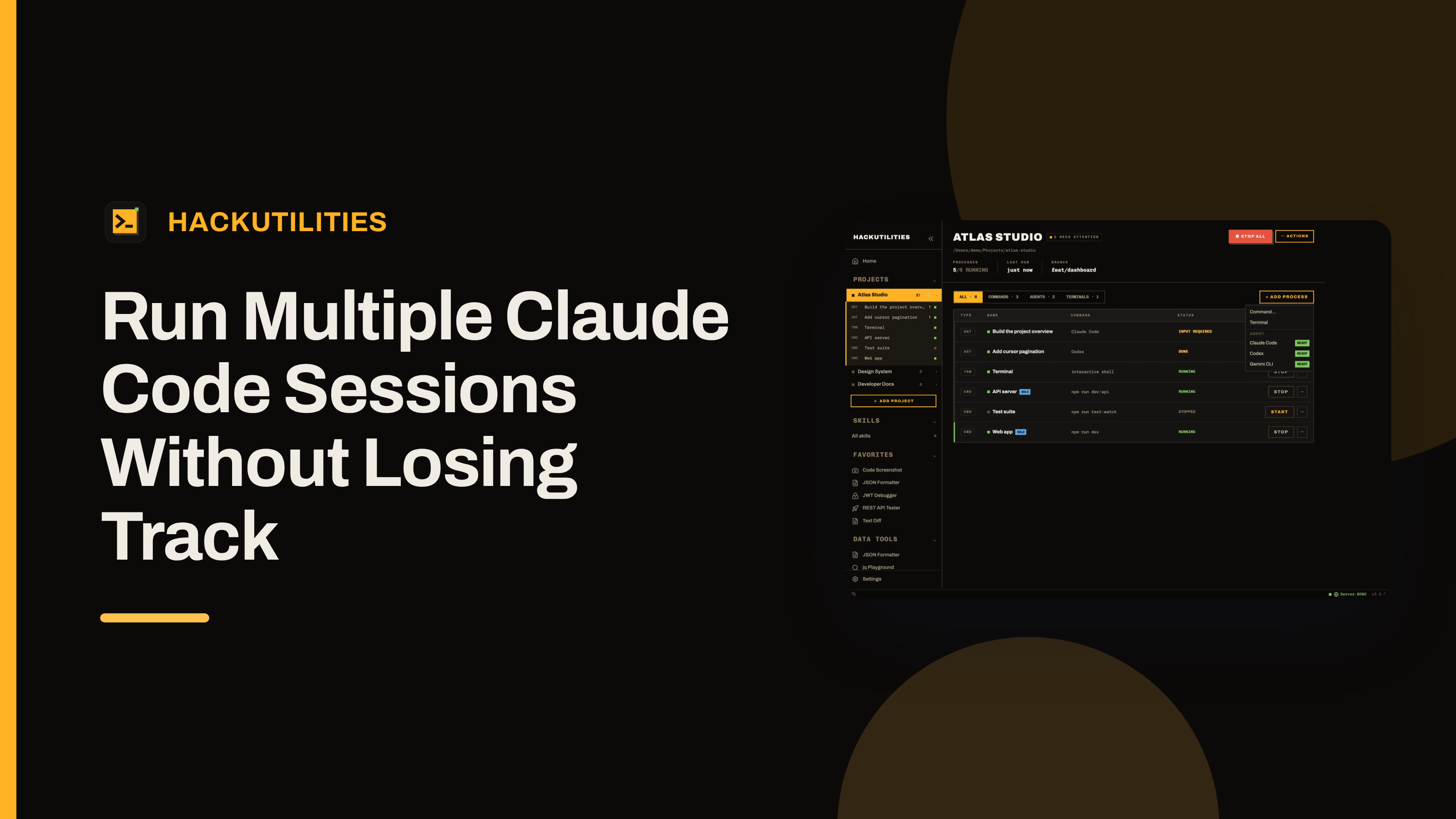
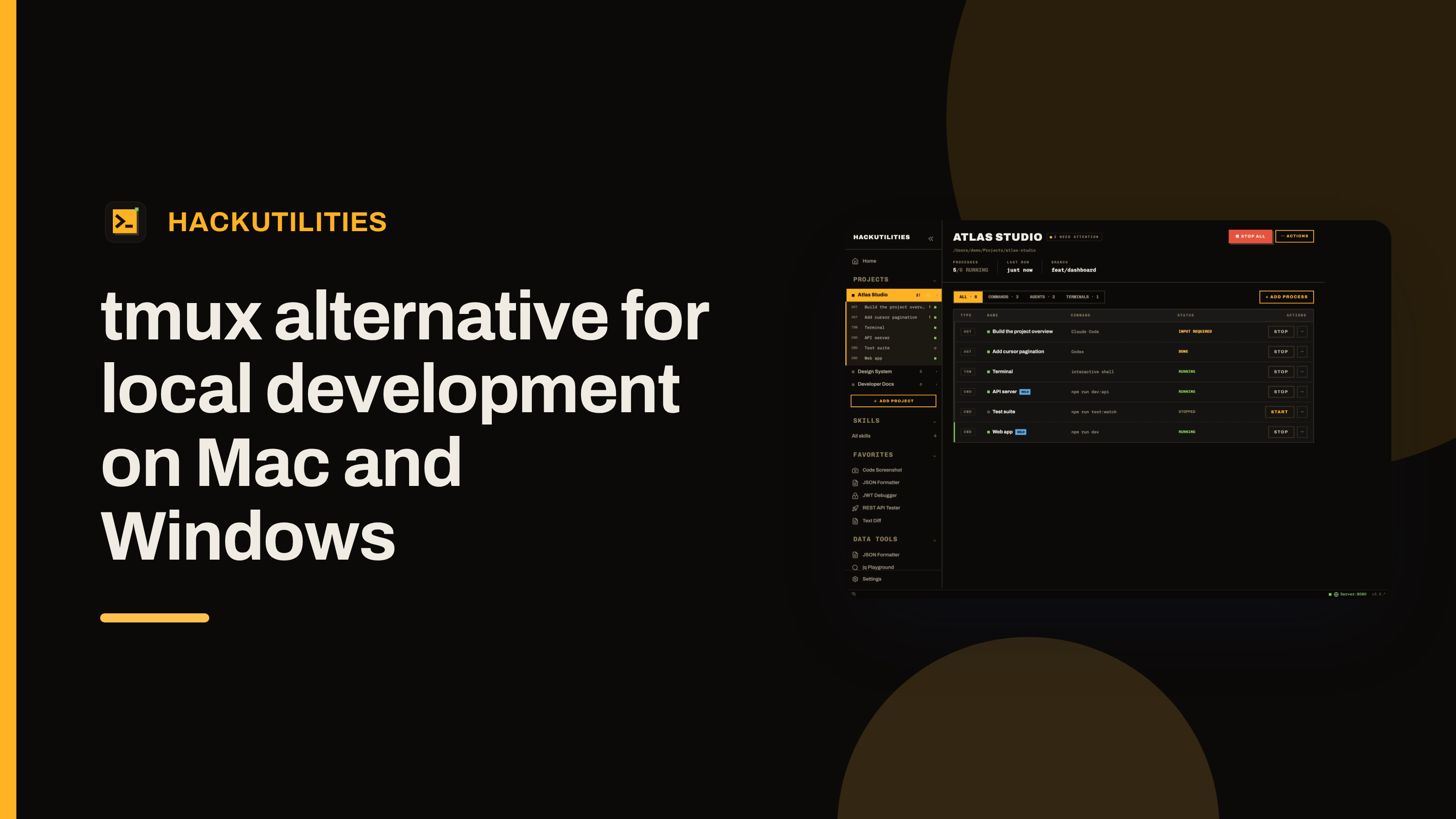
HackUtilities is a desktop workspace for developers who build with AI coding agents. You add a repo as a project, and it keeps the parts around your editor together in one place: long-running commands such as a dev server, queue worker, or watcher, real terminals in your own login shell, and Claude Code, Codex, Gemini CLI, or OpenCode sessions side by side.
For agents, HackUtilities launches the CLI you already installed in the project root, with your own login and your own subscription. Nothing is proxied, it is not a hosted AI service, and there is no account or telemetry. For Claude Code, HackUtilities reads Claude’s own session files to tell when a session is working, done, waiting for input, or waiting for permission. When attention is needed, it can send an OS notification, and on macOS it also shows a Dock badge. On Windows, Claude activity can fall back to weaker heuristics.
What you’ll see here regularly
Most posts will fall into a few predictable buckets.
- Release notes with context. Release notes that explain what changed, which workflow it affects, and who should care before installing.
- Local workflow walkthroughs. Real setups for bringing up a repo’s daily command stack, keeping agent sessions next to it, and dealing with the interruptions that show up when several things are running at once.
- Multi-agent working notes. Practical posts about running Claude Code or Codex sessions in parallel without losing track of which session is doing what.
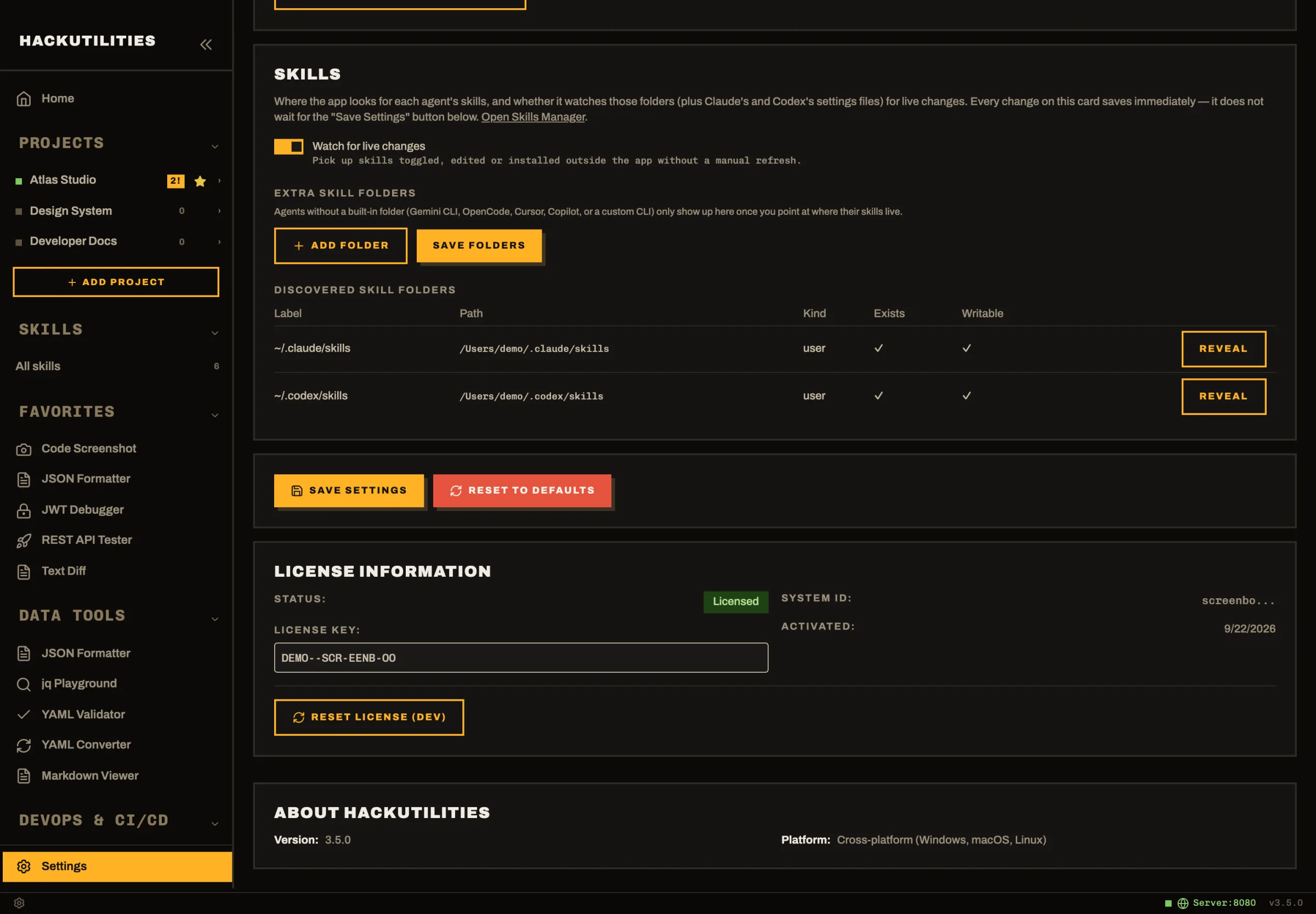
- Skills posts. Tips for using the Skills Manager, which scans global Claude Code and Codex skills into one grid, plus ways to find useful entries in the bundled catalog of 586 skills.
- Task tutorials. Short guides tied to the 46 built-in tools: decoding a JWT locally, testing a regex, running a jq filter, checking a certificate, catching a webhook on your own machine, or opening the right tool from copied clipboard data.
That last category matters to me because many of these jobs should not require pasting data into a website. Most of the built-in tools work offline, and smart clipboard detection runs locally, so posts here can cover tasks like JWT checks, certificate inspection, JSON cleanup, or image work without pretending the browser is always the right place to do them.
Who this is for, and who should move on
I’m writing this for developers on macOS or Windows whose work already lives in local repos. If your normal day involves starting app processes, watching logs, switching between projects, and running agent CLIs from your own machine, you’ll be in the right place here. I’m not going to stop and explain shell basics, git basics, or how Claude Code or Codex work at a beginner level.
This will be a bad fit if what you want is a cloud IDE, a hosted service that runs the agents for you, shared team accounts, or remote machines. It is also not for Linux users today, because there is no official Linux build.
On Windows, the workspace features are newer: there is no taskbar badge for agent attention, and stopping processes is less graceful than on macOS. When a post depends on differences like that around projects, terminals, or agent state, I’ll call them out.
The rules behind the writing
One of the first workflow posts I want to publish is a local webhook walkthrough: run your app, catch the payload in HackUtilities’ Webhook Server, and inspect it on your own machine instead of sending it to a third-party site.
That also keeps the scope honest. HackUtilities starts the CLI you already installed, while the agent still talks directly to its own provider, so I need to be clear about what belongs to HackUtilities and what belongs to Claude Code, Codex, Gemini CLI, or OpenCode. And because the app does not phone home with analytics or telemetry, I do not have a dashboard full of user behavior to write from. I have concrete workflows, bug reports, and my own use.
Try the app, then tell me what to cover next
If you want to see whether HackUtilities fits your setup, take the product tour or start the 14-day free trial. The trial needs no card and no account, so you can judge it against your actual repo, commands, terminals, and agent sessions instead of a demo.
 If it clicks, the paid app is a one-time license with all features included and lifetime updates. If it doesn’t, I’d still like to hear where it fell down. Send the workflow problems and post ideas you want covered next to support@hackutilities.com
And if you write in, the most helpful feedback is specific: which repo you used, which CLI you run, what usually gets lost or breaks, and what still felt awkward in the app.